

Table of Contents Show
CSS Developments in Early 2026: Native Power, Less JavaScript
Early 2026 marks a clear turning point for CSS. The language is no longer evolving in small cosmetic steps. Instead, recent features focus on reducing JavaScript from common UI problems by introducing native conditional logic, advanced layout systems, scroll-aware styling, and better scoping.
What shipped in late 2025 and is stabilizing now represents a shift in how front-end architecture is designed: CSS handles UI behavior, JavaScript handles business logic.
This article explores the most important developments shaping modern CSS today, with practical examples.
1. Native Conditional Logic With the CSS if() Function
For the first time, CSS can make inline decisions without media-query indirection or JavaScript.
Respecting User Preferences Without JS
.button {
  transition-duration: if(
    media(prefers-reduced-motion: reduce): 0ms;
    else: 180ms
  );
}
Why This Matters
- Eliminates JavaScript-based preference checks
- Keeps accessibility logic in CSS
- Makes design tokens context-aware
The if() function works inside property values, not as a rule-level condition, which keeps CSS declarative while adding intelligence.
2. CSS Grid Lanes: Native Masonry and Waterfall Layouts
Masonry layouts traditionally required JavaScript libraries that measured element heights and reflowed content manually. CSS Grid Lanes solves this natively.
Masonry Gallery Without JavaScript
.gallery {
  display: grid-lanes;
  grid-template-columns: repeat(4, 1fr);
  grid-auto-flow: row dense;
  gap: 1rem;
}
Benefits Over JS Masonry
- Zero layout thrashing
- Better performance on resize
- Works naturally with responsive design
Grid Lanes integrates with the existing Grid mental model instead of introducing a separate layout system.
3. Anchor Positioning: Tooltips and Popovers Done Right
Positioning floating UI elements has always involved fragile offset calculations. Anchor positioning allows elements to attach directly to others.
Tooltip Anchored to a Button
.button {
  anchor-name: --btn;
}

.tooltip {
  position-anchor: --btn;
  inset-area: top;
  margin-bottom: 0.5rem;
}
What This Fixes
- No more getBoundingClientRect()
- No resize or scroll listeners
- Correct positioning in RTL and zoomed layouts
Anchor positioning is foundational for dropdowns, popovers, menus, and contextual UI.
4. Scroll-Driven Animations With Timelines
Scroll-based animations used to rely on expensive JavaScript listeners. CSS now exposes scroll progress as a first-class animation timeline.
Header Shrink on Scroll
@scroll-timeline page-scroll {
  source: auto;
  orientation: block;
}

.header {
  animation: shrink linear;
  animation-timeline: page-scroll;
}
Why This Is a Big Deal
- Smooth, compositor-driven animations
- No jank from JavaScript scroll handlers
- Declarative animation logic
CSS animations now respond to scroll position as naturally as time.
5. Container Scroll-State Queries
Beyond timelines, CSS can now detect scroll state inside containers.
Sticky Header Shadow When Scrolled
@container scroll-state(stuck) {
  .header {
    box-shadow: 0 2px 10px rgb(0 0 0 / 0.15);
  }
}
Common Use Cases
- Sticky headers
- Floating action buttons
- Progressive disclosure UI
This removes a huge class of scroll detection JavaScript.
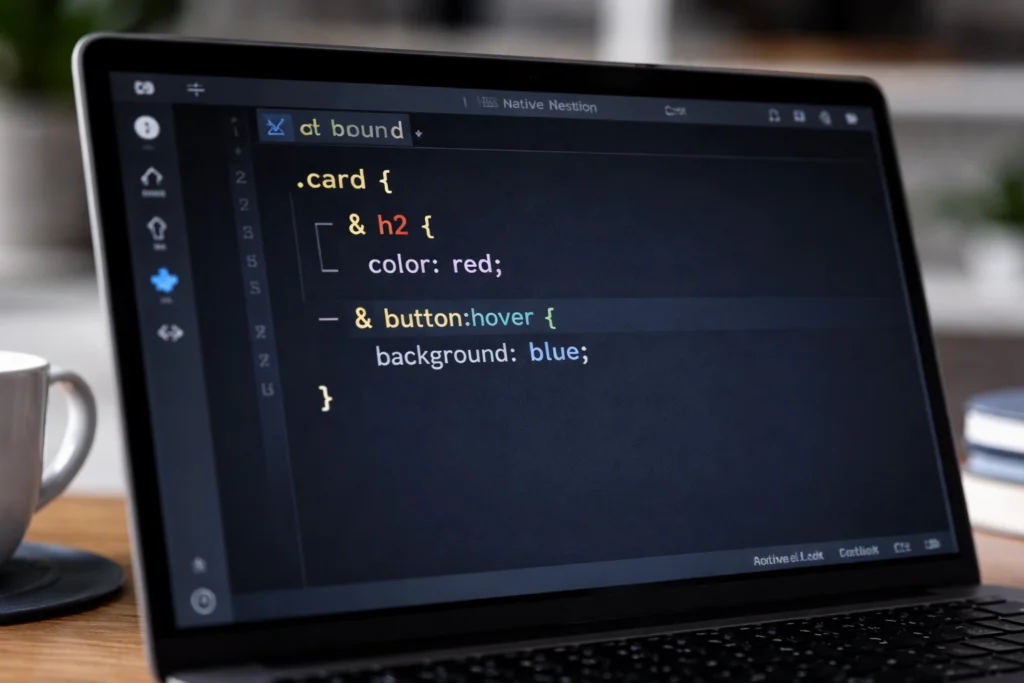
6. Scoped Styling With @scope
Component-based UIs struggle with global CSS collisions. @scope introduces true style encapsulation.
Scoped Component Styles
@scope (.card) {
  h3 {
    font-size: 1.25rem;
  }

  p {
    color: oklch(60% 0.1 240);
  }
}
Advantages
- No naming conventions required
- Predictable specificity
- Framework-agnostic component styling
CSS finally supports large-scale architecture natively.
7. Flash-Free Transitions With @starting-style
Enter animations often flash because the browser renders the final state first. @starting-style fixes this.
Smooth Mount Animation
.modal {
  opacity: 1;
  transform: scale(1);
  transition: opacity 200ms, transform 200ms;
}

@starting-style {
  .modal {
    opacity: 0;
    transform: scale(0.95);
  }
}
Result
- No layout flash
- No JavaScript class toggling
- Predictable transitions
8. Typed attr() and Structural Awareness
Typed attributes allow CSS to read HTML data as numbers, lengths, or percentages.
Progress Bar Driven by HTML
.progress {
  width: attr(data-value percentage);
}
Combined with structural helpers like sibling-index(), CSS can react to document structure intelligently.
.item {
  animation-delay: calc(sibling-index() * 80ms);
}
9. Modern Color Systems for Design Tokens
Wide-gamut color spaces are now mainstream.
OKLCH With Color Mixing
:root {
  --brand: oklch(62% 0.2 260);
}

.button {
  background: color-mix(
    in oklch,
    var(--brand),
    white 15%
  );
}
- Perceptually uniform colors
- Better contrast control
- More predictable theming
10. The Bigger Picture: CSS as a UI Engine
Early 2026 CSS developments share a clear theme: CSS is absorbing UI logic that never belonged in JavaScript.
- Conditional behavior with if()
- Layout intelligence with Grid Lanes
- Positioning logic with Anchor positioning
- Scroll awareness with timelines and states
- Encapsulation with @scope
Final Thoughts
The latest CSS features are not incremental improvements. They represent a structural shift in frontend development.
CSS in 2026 thinks in context, reacts to state, and describes intent instead of implementation.
For modern UI development, CSS is no longer just styling. It is the first layer of interaction and layout logic.